Daily writing prompt
What principles define how you live?
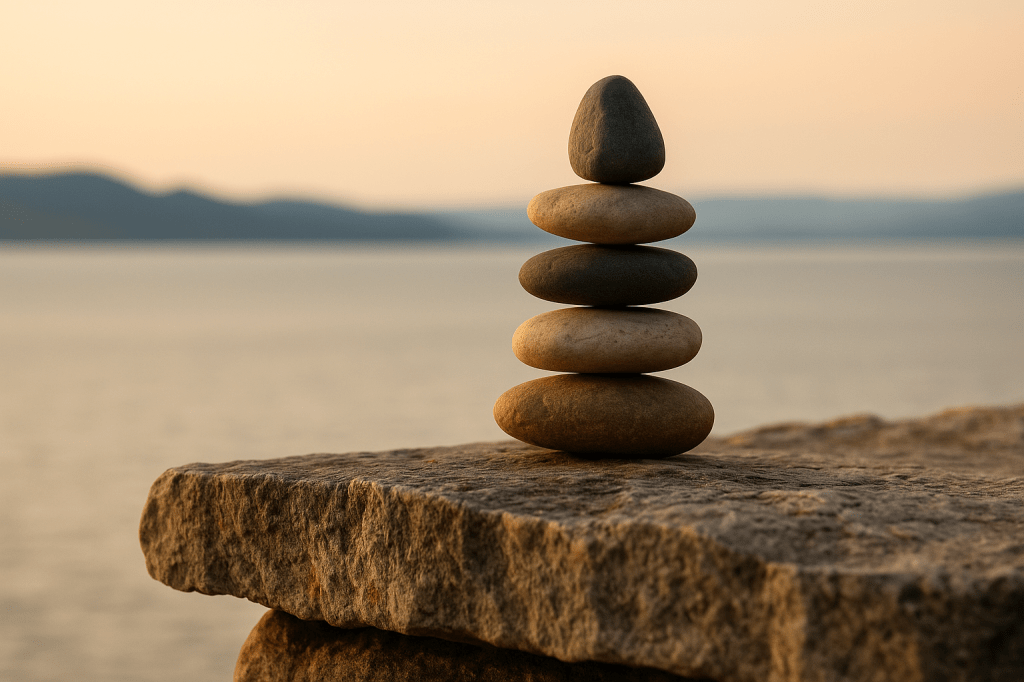
When I think of balance, I imagine life in perfect harmony. Everything I do has a counterbalance — a way to even things out. If I work hard, I make sure to take time to enjoy life. If I indulge, I do it in moderation. I love food, but I eat moderately and work out to balance it. For me, balance isn’t about cutting out the things I enjoy — it’s about creating equilibrium so nothing outweighs the rest.
Balance, to me, applies to everything — time, energy, and emotion. If I spend time on something, I try to counter it. If I eat junk food, I make up for it with healthy choices. When I spend energy, I make sure to rest. When I face chaos, I seek peace. It’s a constant back-and-forth. Life will always throw me off-center, but being mindful helps me find my way back.
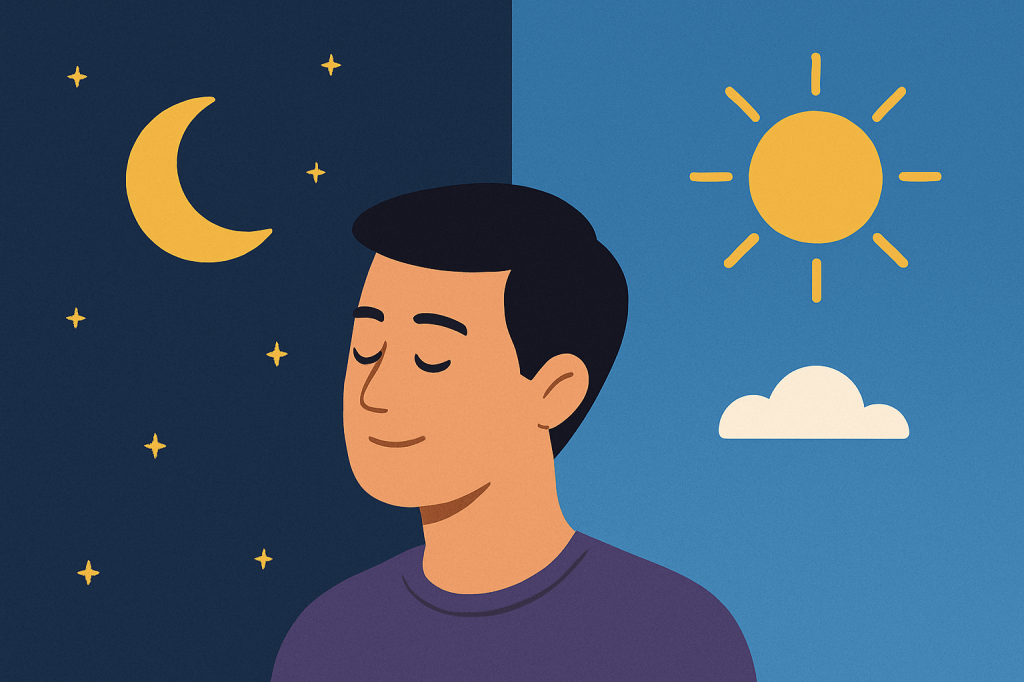
A balanced day probably looks boring. I work out in the morning to spend energy, then eat protein to replenish. I go to work and make sure to take breaks. I eat proper meals to refuel throughout the day, and when the day ends, I sleep to recharge. I try to split my time between work, myself, and my family — and I try to give as much as I receive. Again, boring.
I can tell when I’m out of balance. My body lets me know. I’ll feel off — like I have too much of something or not enough. Maybe I’ve been too busy, or too lazy. Too stressed, or too relaxed. The imbalance reveals itself in small ways — in my mood, my focus, or my energy.
Keeping balance is really about maintaining a routine — and recalibrating when life throws me off. The hardest part IMO is work, because people are unpredictable and stress comes out of nowhere. When that happens, I have to consciously step back and find ways to destress, to pull myself back toward center. Sometimes that means making changes. Chasing balance shouldn’t mean forcing yourself to do things you hate. If something that once felt “balanced” starts feeling draining, that’s a sign it’s time to change the routine — switch jobs, try a new gym, find new motivation.
I’ve learned most of this through experience. No one taught me about balance; I just noticed that when things go out of balance, something always gives — your body, your mindset, your energy. Over time, I’ve realized that moderation is the simplest way to stay balanced. Don’t do too much of anything, and life tends to find its own rhythm again.
When I’m balanced, I feel content — like I’m giving the right amount in every area of life. It helps me show up for others, whether that’s family, friends, or coworkers. Balance makes space for connection. And I don’t think balance is something you ever fully achieve, I think it’s something you continually adjust.



















 johnro